Wireless Microphone for Lectures: A Guide to Choosing the Best Microphone for Teaching and Recording
Wireless Microphone for Lectures: A Guide to Choosing the Best Microphone for Teaching and Recording
Wireless Microphone for Lectures: A Guide to Choosing the Best Microphone for Teaching and Recording
Using a wireless microphone for lectures has become a practical solution for teachers, lecturers, and educational content creators because it provides freedom of movement while teaching and maintains clear audio quality compared with relying on the built-in microphone in a phone or laptop.Whether you deliver lectures in a classroom, record online courses, hold meetings, or create educational content, choosing the right microphone helps your voice reach listeners clearly and makes the learning experience more professional.However, choosing the best wireless microphone does not depend on price alone. Important factors include the connection type, device compatibility, number of transmitters, audio capture quality, and battery life.
How Do You Choose a Suitable Wireless Microphone for Lectures?
Audio Capture Quality and Speech Clarity
The most important function of a lecture microphone is to capture the speaker's voice clearly and reduce surrounding sounds.It is preferable to choose a microphone that provides:
Clear audio without interference.
Good sound capture while moving.
Reduced impact from surrounding noise.
Suitable performance for recording and live streaming.
Microphone Compatibility with Phones and Laptops
Before buying any wireless microphone, you should check which connection type is suitable for your device.Available types support:
USB Type-C for modern phones and laptops.
Lightning for iPhones.
Connection to cameras and recording devices.
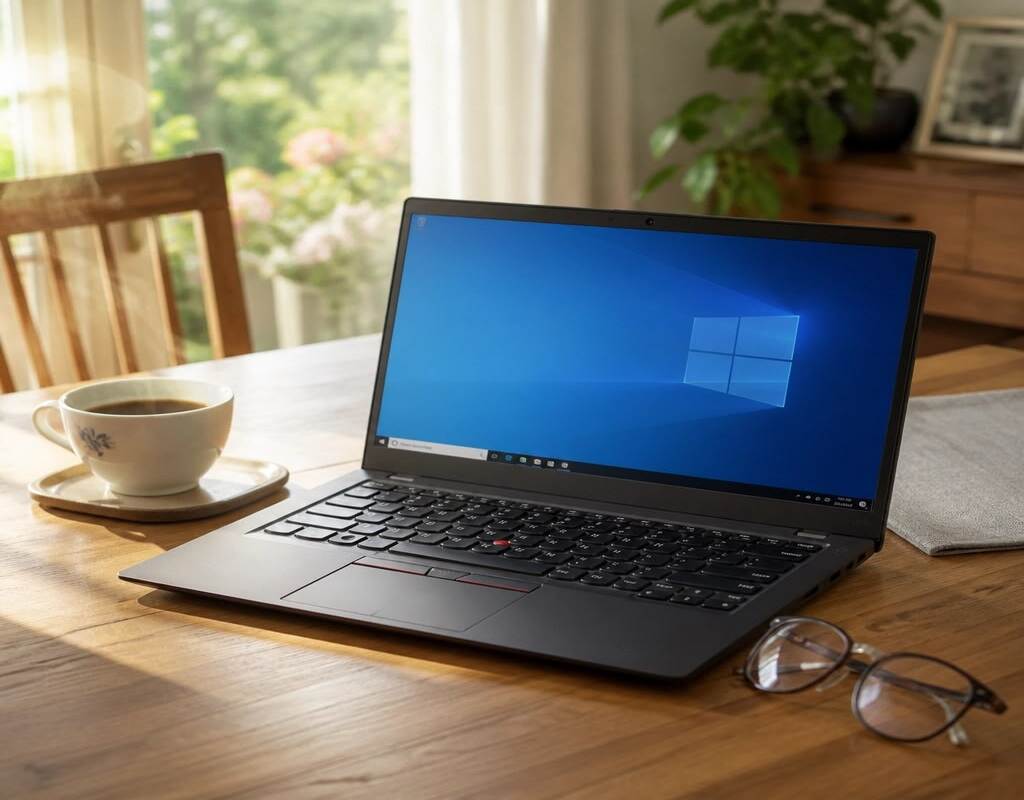
Therefore, choosing the right microphone depends on the device you will use for lectures or recording.If you deliver lectures or courses using a laptop, you can also select a suitable device through the best laptop for studying guide.
Number of Microphones in the Wireless System
Some systems come with one microphone, while others provide two transmitters.Having more than one transmitter is useful for:
Joint lectures.
Interviews.
Group training.
Recording more than one speaker.
Battery and Ease of Use
It is preferable to choose a microphone that provides:
Suitable operating time for long lectures.
A charging case to maintain battery power.
Quick setup without complicated steps.
Best Wireless Microphone for Lectures
BOYA BY-V20 – Best Wireless Microphone for Daily Lectures
TheBOYA BY-V20 Double Type-C Wireless Microphone is a suitable option for teachers and lecturers looking for a practical, easy-to-use solution for recording explanations or delivering lectures.The microphone comes with a dual wireless design, making it suitable for uses that require more than one speaker. Its Type-C connection also makes it compatible with many modern phones and devices.Its compact size and portability make it a suitable option for daily lectures, meetings, and online courses.
BOYA BY-V20 Features for Lectures
Dual wireless system suitable for recording and teaching.
Type-C connection for compatible devices.
Compact and easy-to-carry design.
Provides freedom of movement during lectures.
Suitable for online teaching and recording educational videos.
Simple setup and operation.
A practical option for daily use.
Suitable for:Teachers, lecturers, course instructors, and anyone who needs a simple wireless microphone for daily use.
BOYA BY-V2 – Best Wireless Microphone for Lectures Using an iPhone
If you use an iPhone to record lectures or present educational content, theBOYA BY-V2 Double Lightning Wireless Microphone is a suitable option thanks to its compatibility with Apple devices that use a Lightning port.The microphone provides more professional results than relying on the phone's internal microphone and helps improve audio clarity when recording explanations, educational videos, and meetings.Its wireless design also gives the user greater freedom of movement while presenting.
BOYA BY-V2 Features for Lectures
Compatible with iPhones that have a Lightning port.
Wireless design that allows easy movement while teaching.
Suitable for recording lectures and educational videos.
Helps improve audio quality compared with the phone's microphone.
Easy to carry and use.
Suitable for courses and meetings.
Suitable for:Lecturers who use an iPhone to record explanations and teachers who present educational content through their phones.
BOYA BY-V30 – Best Affordable Wireless Microphone for Lectures and Training
TheBOYA BY-V30 Dual Channel Wireless Microphone is a suitable option for lecturers and trainers who need a practical wireless system that provides greater flexibility while teaching.The microphone supports a dual-channel wireless system, making it suitable for situations involving more than one speaker, such as joint lectures, training courses, interviews, and presentations.It also provides a fast and easy wireless connection, so the user does not need complicated equipment before starting a lecture or recording.
BOYA BY-V30 Features for Lectures
Dual-channel wireless system.
Suitable for more than one speaker during teaching.
2.4GHz wireless connection.
Practical and portable design.
Suitable for teaching, courses, and meetings.
Helps improve audio clarity during recording.
Suitable for use with compatible devices through Type-C.
Suitable for:Trainers, lecturers who deliver courses, work teams, and anyone who needs more than one audio source during a presentation.
Hollyland Lark M2 – Best Professional Wireless Microphone for Lecturers and Content Creators
For users who deliver lectures professionally or regularly record educational content, theHollyland Lark M2 Duo Combo Wireless Microphone System is an advanced option that provides a more professional audio experience.The system features a compact, easy-to-use design and can be used with phones and cameras, making it suitable for recorded lectures, online courses, and filming educational content.Having two transmitters also makes it suitable for situations where the voices of two people need to be recorded at the same time.
Hollyland Lark M2 Features for Lectures
Professional wireless system suitable for recording and education.
Supports use by more than one speaker.
Suitable for phones and cameras.
Compact and easy-to-attach design.
Audio quality suitable for educational content.
Suitable for recorded lectures and courses.
Provides greater flexibility while moving and presenting.
Suitable for:Professional lecturers, course creators, trainers, and anyone who values audio recording quality.
DJI Mic Mini – Best Wireless Microphone for Professional Lectures and Advanced Recording
TheDJI Mic Mini 2 TX + 1 RX + Charging Case belongs to the professional category of wireless microphone systems and is suitable for users who require high audio quality and an advanced user experience.It is a suitable option for lecturers who record their lectures, deliver training courses, or consistently produce educational content, as it provides a complete system with transmitters, a receiver, and a charging case.
DJI Mic Mini Features for Lectures
Professional wireless recording system.
Two transmitters suitable for recording more than one speaker.
Charging case to keep the device ready for use.
Suitable for compatible phones and recording devices.
Compact and easy-to-use design.
Suitable for recorded lectures and professional courses.
Provides a more advanced experience than conventional microphones.
Suitable for:Professional lecturers, trainers, content creators, and anyone who needs the highest level of audio quality.
Best Wireless Microphone for Lectures by Use
Best Microphone for Daily Lectures
If the main use is teaching lessons or delivering lectures every day, the BOYA BY-V20 is a practical choice because of its ease of use and suitable size.
Best Microphone for Online Lectures
For remote lectures and online courses, it is preferable to choose a microphone that provides a fast connection and clear audio, such as:
BOYA BY-V20.
BOYA BY-V2, depending on the type of phone used.
Using a suitable laptop also helps provide a better educational experience. You can review the best laptop for studying guide to choose a suitable device for lectures and meetings.
Best Microphone for Recorded Lectures and Course Creation
If you deliver training courses or regularly record educational content, the Hollyland Lark M2 and DJI Mic Mini provide a higher level of quality and flexibility.
Best Microphone for Lectures Using a Phone
The choice depends on the type of phone:
iPhone users can choose the BOYA BY-V2.
Users of Type-C devices can choose the BOYA BY-V20 or BOYA BY-V30.
Frequently Asked Questions About Wireless Microphones for Lectures
Is a Wireless Microphone Better Than a Laptop Microphone?
Yes, a wireless microphone usually provides better audio quality than a laptop's built-in microphone, especially during lectures or recording, because it is closer to the speaker and helps reduce the impact of surrounding noise.
What Is the Best Wireless Microphone for Lectures?
The best choice depends on how it will be used:
For daily use: BOYA BY-V20.
For iPhone users: BOYA BY-V2.
For lectures with multiple speakers: BOYA BY-V30.
For professional recording: Hollyland Lark M2 or DJI Mic Mini.
Can a Wireless Microphone Be Used with a Laptop?
Yes, certain models that support USB-C or compatible connection methods can be used with laptops to record lectures or meetings.
Do I Need a Wireless Microphone to Deliver Online Courses?
If you regularly deliver courses, using a wireless microphone helps improve audio quality and makes the viewing experience more professional, especially when moving around while teaching.


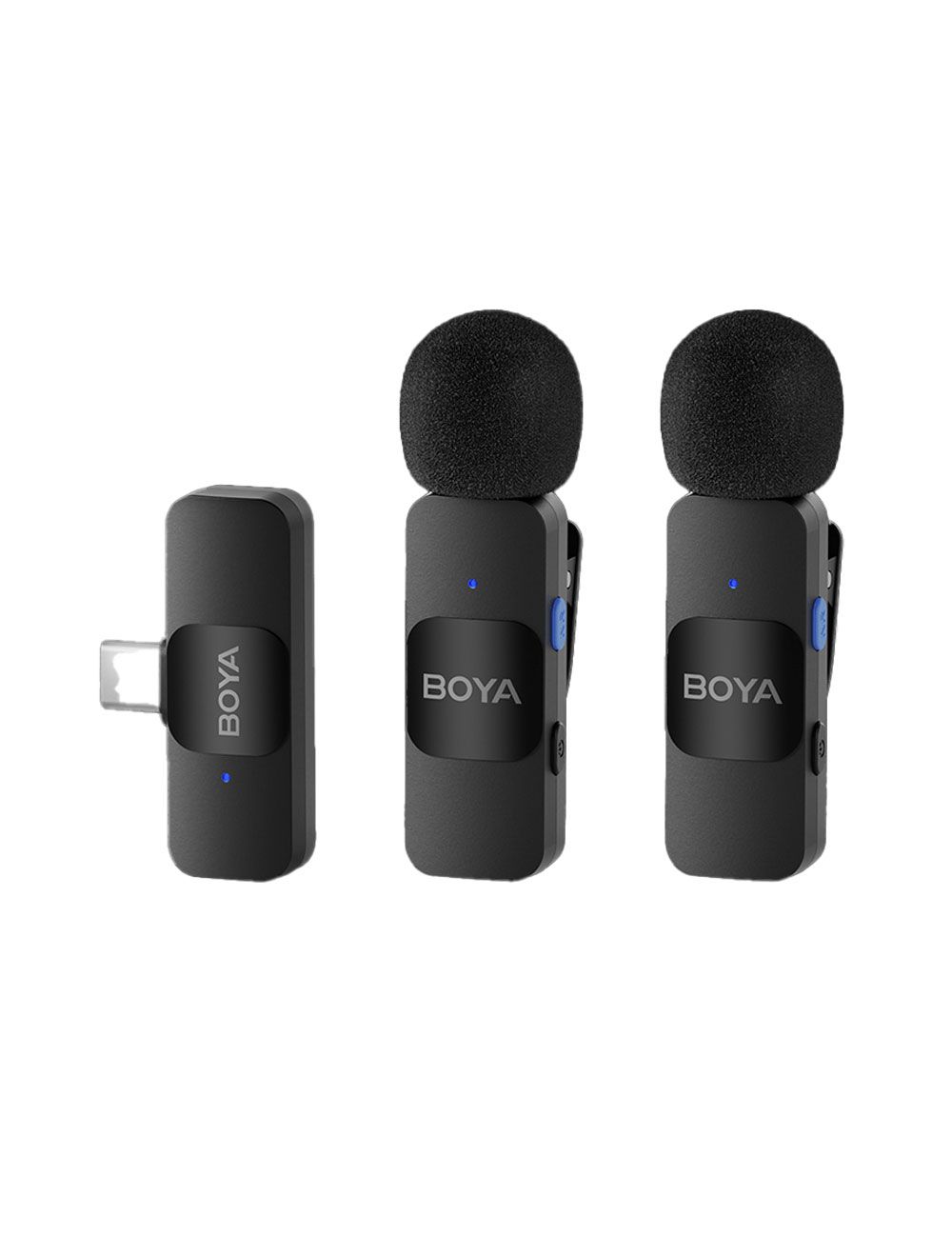 The BOYA BY-V20 Double Type-C Wireless Microphone is a suitable option for teachers and lecturers looking for a practical, easy-to-use solution for recording explanations or delivering lectures.
The microphone comes with a dual wireless design, making it suitable for uses that require more than one speaker. Its Type-C connection also makes it compatible with many modern phones and devices.
Its compact size and portability make it a suitable option for daily lectures, meetings, and online courses.
The BOYA BY-V20 Double Type-C Wireless Microphone is a suitable option for teachers and lecturers looking for a practical, easy-to-use solution for recording explanations or delivering lectures.
The microphone comes with a dual wireless design, making it suitable for uses that require more than one speaker. Its Type-C connection also makes it compatible with many modern phones and devices.
Its compact size and portability make it a suitable option for daily lectures, meetings, and online courses.
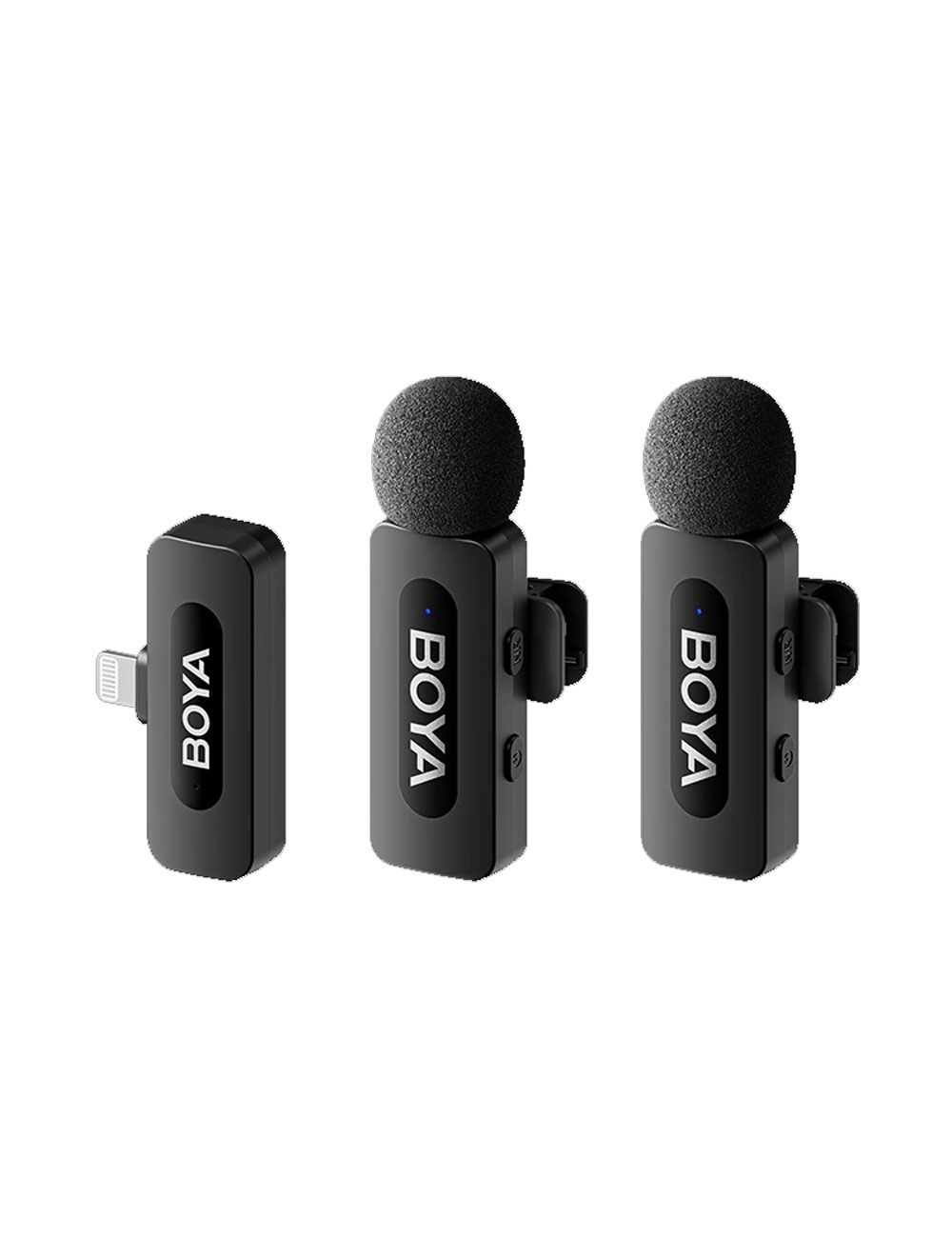 If you use an iPhone to record lectures or present educational content, the BOYA BY-V2 Double Lightning Wireless Microphone is a suitable option thanks to its compatibility with Apple devices that use a Lightning port.
The microphone provides more professional results than relying on the phone's internal microphone and helps improve audio clarity when recording explanations, educational videos, and meetings.
Its wireless design also gives the user greater freedom of movement while presenting.
If you use an iPhone to record lectures or present educational content, the BOYA BY-V2 Double Lightning Wireless Microphone is a suitable option thanks to its compatibility with Apple devices that use a Lightning port.
The microphone provides more professional results than relying on the phone's internal microphone and helps improve audio clarity when recording explanations, educational videos, and meetings.
Its wireless design also gives the user greater freedom of movement while presenting.
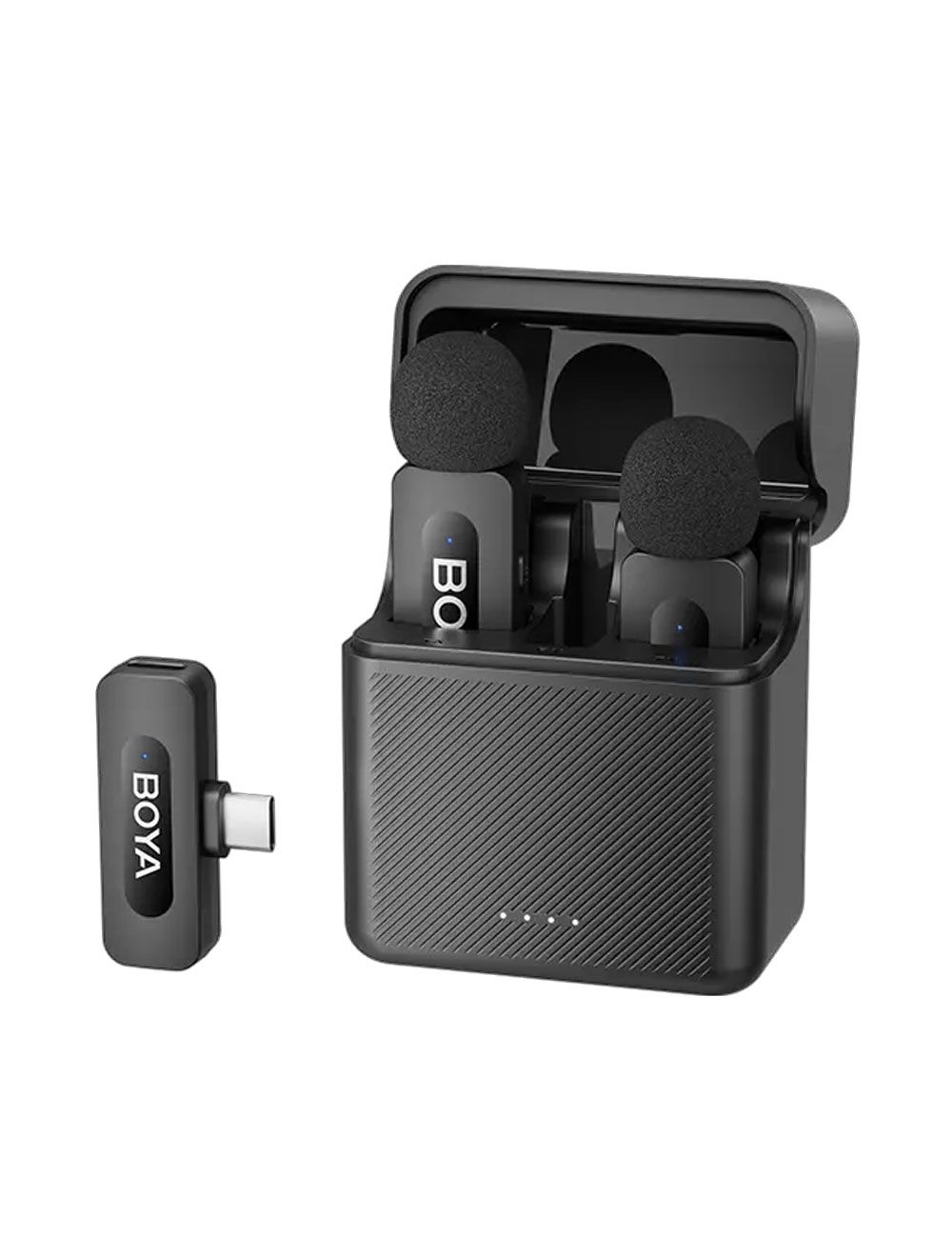 The BOYA BY-V30 Dual Channel Wireless Microphone is a suitable option for lecturers and trainers who need a practical wireless system that provides greater flexibility while teaching.
The microphone supports a dual-channel wireless system, making it suitable for situations involving more than one speaker, such as joint lectures, training courses, interviews, and presentations.
It also provides a fast and easy wireless connection, so the user does not need complicated equipment before starting a lecture or recording.
The BOYA BY-V30 Dual Channel Wireless Microphone is a suitable option for lecturers and trainers who need a practical wireless system that provides greater flexibility while teaching.
The microphone supports a dual-channel wireless system, making it suitable for situations involving more than one speaker, such as joint lectures, training courses, interviews, and presentations.
It also provides a fast and easy wireless connection, so the user does not need complicated equipment before starting a lecture or recording.
 For users who deliver lectures professionally or regularly record educational content, the Hollyland Lark M2 Duo Combo Wireless Microphone System is an advanced option that provides a more professional audio experience.
The system features a compact, easy-to-use design and can be used with phones and cameras, making it suitable for recorded lectures, online courses, and filming educational content.
Having two transmitters also makes it suitable for situations where the voices of two people need to be recorded at the same time.
For users who deliver lectures professionally or regularly record educational content, the Hollyland Lark M2 Duo Combo Wireless Microphone System is an advanced option that provides a more professional audio experience.
The system features a compact, easy-to-use design and can be used with phones and cameras, making it suitable for recorded lectures, online courses, and filming educational content.
Having two transmitters also makes it suitable for situations where the voices of two people need to be recorded at the same time.
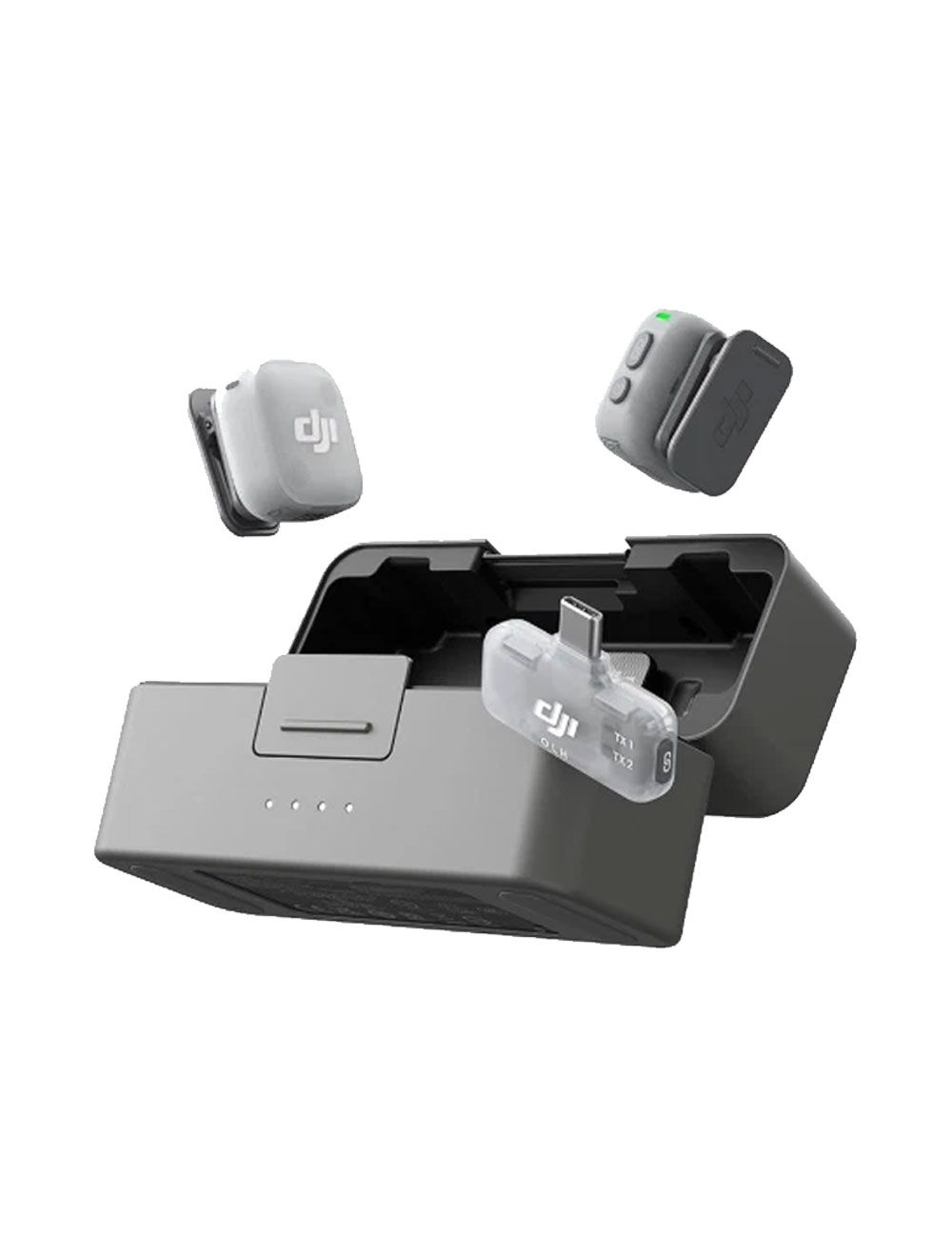 The DJI Mic Mini 2 TX + 1 RX + Charging Case belongs to the professional category of wireless microphone systems and is suitable for users who require high audio quality and an advanced user experience.
It is a suitable option for lecturers who record their lectures, deliver training courses, or consistently produce educational content, as it provides a complete system with transmitters, a receiver, and a charging case.
The DJI Mic Mini 2 TX + 1 RX + Charging Case belongs to the professional category of wireless microphone systems and is suitable for users who require high audio quality and an advanced user experience.
It is a suitable option for lecturers who record their lectures, deliver training courses, or consistently produce educational content, as it provides a complete system with transmitters, a receiver, and a charging case.


Comments