Best Laptop for Studying in Egypt: Suitable Choices for Students and University
Best Laptop for Studying in Egypt: Suitable Choices for Students and University
Best Laptop for Studying in Egypt: Suitable Choices for Students and University
Choosing the best laptop for studying requires focusing on more than just the device price or processor power, as students’ needs differ according to their field of study and type of use.One student may need a device for browsing lectures, writing research papers, and running Office applications, while another may need higher performance for programming, design, or engineering applications.Therefore, you should choose a laptop that provides a balance between:
Performance speed.
Device longevity for several years of use.
A suitable weight for portability.
A comfortable screen for extended study sessions.
Sufficient storage space for files and applications.
Enough RAM to run multiple applications simultaneously.
This guide features a selection of laptops suitable for studying, ranging from everyday use to options for students who need higher performance based on their field of study.
How Do You Choose the Best Laptop for Studying?
The Right Processor for Students
The processor is primarily responsible for how quickly applications run and different tasks are completed.For regular academic use, such as:
Browsing the internet.
Microsoft Office.
Attending online lectures.
Watching educational videos.
Mid-range processors can be sufficient.However, students studying:
Programming.
Engineering.
Design.
Video editing.
Should choose a more powerful processor to ensure better performance with demanding applications.You can also learn more about selecting the right processor through the best laptop processor for gaming guide to understand the differences between various processor categories.
The Right Amount of RAM for a Study Laptop
RAM directly affects the device’s ability to run multiple applications simultaneously.
8GB RAM is suitable for basic use and everyday studying.
16GB RAM provides a better experience and is suitable for several years of use.
More than that is suitable for fields that require demanding applications.
Does a Student Need a Dedicated Graphics Card?
Most students do not need a dedicated graphics card if their use is limited to:
Studying.
Research.
Lectures.
Browsing.
However, students in fields such as:
Design.
Engineering.
Graphic design.
Advanced programming.
May need higher specifications depending on the applications they use.
Best Laptop for Studying
Lenovo IdeaPad Slim 3 15IRH10 – Best All-Round Choice for Studying and Everyday Performance
TheLenovo IdeaPad Slim 3 15IRH10 is one of the best options for students looking for a balanced device that combines strong performance with a reasonable price.The device features an Intel Core i7-13620H processor, 16GB RAM, and a 512GB SSD. These specifications are suitable for everyday studying, running Office applications, research, meetings, and multitasking.Its 15.3-inch screen also provides comfortable space when working with documents and spreadsheets, making it suitable for students who use the device for extended hours.
Lenovo IdeaPad Slim 3 15IRH10 Benefits for Students
An Intel Core i7 processor that delivers strong performance for studying and multitasking.
16GB RAM for running several applications simultaneously.
A 512GB SSD for fast system and application startup.
A 15.3-inch WUXGA screen suitable for lectures and documents.
A practical design suitable for everyday use.
Suitable for students who want a device that will last for several years.
Suitable for:University students, students who use multiple applications, and anyone who wants a study laptop with higher performance than budget devices.
Lenovo IdeaPad Flex 5 16IAU7 – Best Study Laptop with a Large Touchscreen
If you are looking for a device that provides more screen space and a more flexible user experience, theLenovo IdeaPad Flex 5 16IAU7 is a suitable option for students who prefer larger screens.The device features a 16-inch WUXGA touchscreen, providing more space for viewing lectures, PDF files, spreadsheets, and notes.It also uses an Intel Core i7-1255U processor with 8GB RAM and a 512GB SSD, specifications suitable for studying and everyday use.
Lenovo IdeaPad Flex 5 16IAU7 Benefits for Students
A large 16-inch screen suitable for studying and working with files.
Touch functionality that adds flexibility to the user experience.
An Intel Core i7 processor suitable for everyday tasks.
A 512GB SSD.
A flexible design that provides more versatile use.
Suitable for presentations and watching lectures.
Suitable for:University students, students who need a large screen, and anyone who prefers a versatile device.
Lenovo ThinkPad E14 – Best Study Laptop for Long-Term Use and Students Who Need a Practical Device
TheLenovo ThinkPad E14 is a suitable option for students who value reliability and build quality alongside everyday performance.The ThinkPad series is known for its practical design suited to continuous use. This makes the device a good choice for students who spend extended hours writing research papers, attending online lectures, working with documents, and managing academic files.The device features an Intel Core i7-1355U processor, 8GB RAM, and a 512GB SSD, along with a 14-inch FHD screen that provides a suitable size for portability and use on campus.
Lenovo ThinkPad E14 Benefits for Students
An Intel Core i7 processor suitable for everyday academic tasks.
A 512GB SSD for fast system and application startup.
A 14-inch FHD screen suitable for students who need a portable device.
A practical design that withstands everyday use.
A suitable size for commuting between university and home.
A comfortable keyboard for extended typing sessions.
Suitable for academic use and office work.
Suitable for:University students, students who commute frequently, and anyone looking for a practical device to use for several years.
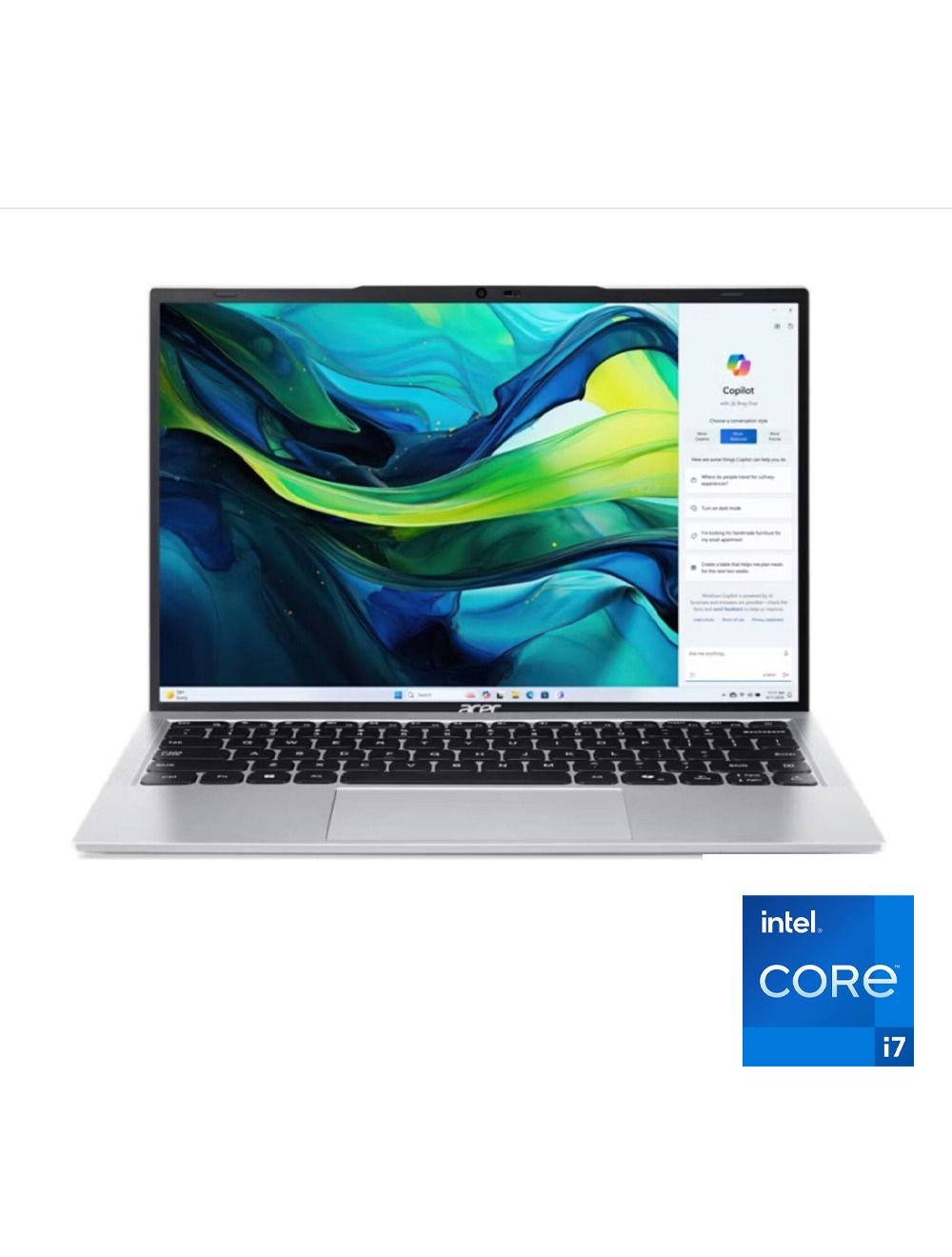
Lite AL15 – Best Budget Study Laptop with Powerful Specifications
If the priority is getting good performance at a reasonable price, theLite AL15 is a suitable option for students who want powerful specifications for everyday use without moving into higher-priced categories.The device features an Intel Core i7-13620H processor, 16GB RAM, and a 512GB SSD, a combination that provides good performance when running study applications, browsing with many tabs open, and multitasking.
Lite AL15 Benefits for Students
An Intel Core i7 processor that provides strong performance for studying and everyday work.
16GB RAM that helps run multiple applications simultaneously.
A 512GB SSD that provides good speed and suitable storage space for files.
A 15.6-inch FHD screen suitable for studying and watching lectures.
Suitable for students who need higher performance than budget devices.
A good choice for running Office and various academic applications.
Suitable for:University students, students who use multiple applications, and anyone seeking the best value for money.
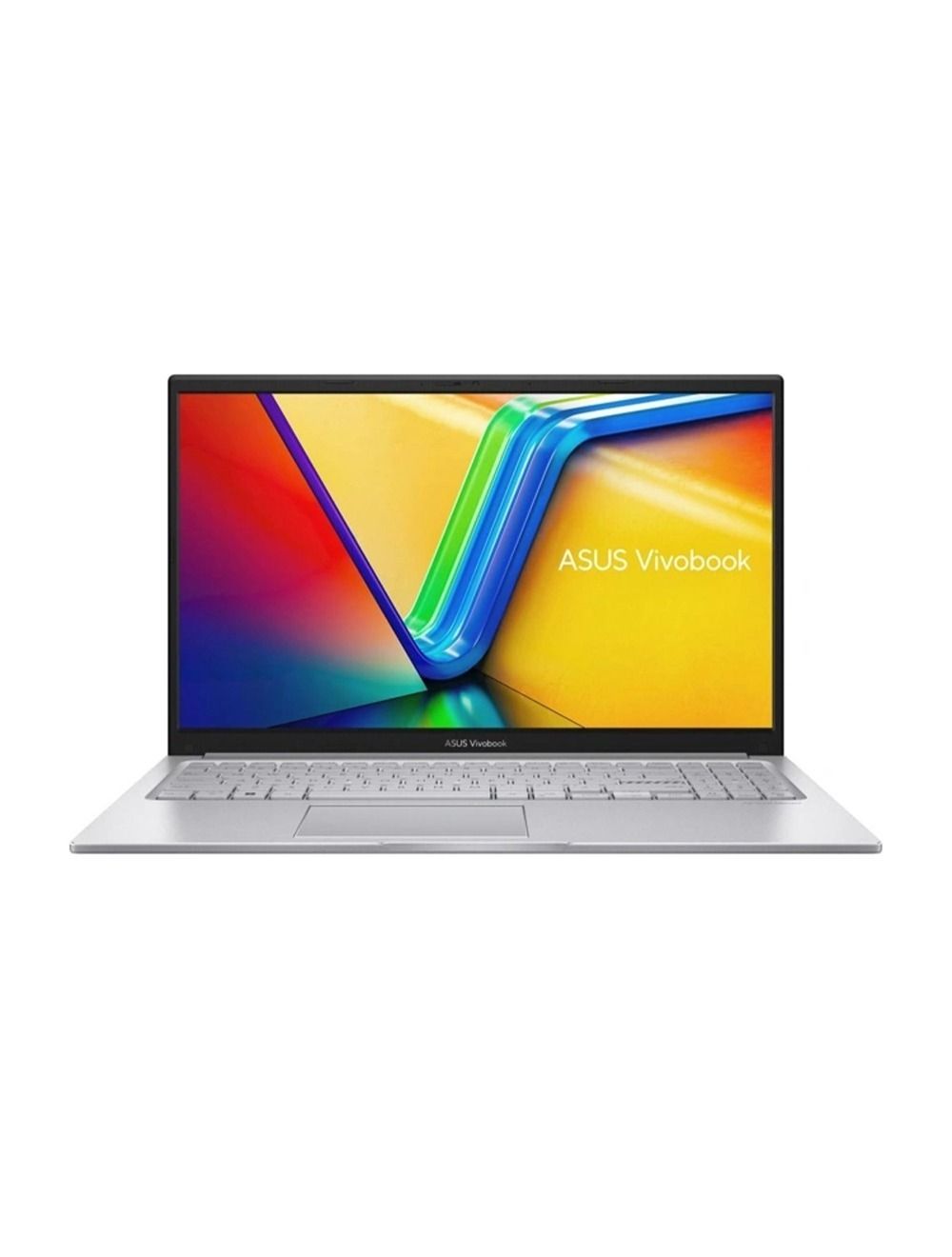
ASUS Vivobook 15 – Best Study Laptop for Everyday Use and Portability
TheASUS Vivobook 15 is a balanced option for students who need a practical device for studying, browsing the internet, attending lectures, and completing everyday tasks.The device uses an AMD Ryzen 5 150 processor with 8GB RAM and a 512GB SSD, along with a 15.6-inch FHD screen that provides comfortable space when reading files and working with documents.
ASUS Vivobook 15 Benefits for Students
A 15.6-inch FHD screen suitable for studying and watching educational content.
An AMD Ryzen 5 processor suitable for everyday use.
A 512GB SSD for storing files and applications.
A practical and relatively lightweight design for portability.
Suitable for browsing the internet and remote learning.
Windows 11 ready to use.
A suitable option for students who need a device for everyday use.
Suitable for:School and university students, home use, and anyone who needs a simple and practical laptop for studying.
Best Laptop for Studying by Field of Study
Best Laptop for Programming Students
Programming students need a device with a good processor and suitable RAM to run development environments and different applications.Devices such as the Lenovo IdeaPad Slim 3 15IRH10 and Lite AL15 are suitable starting options because of their powerful processors and 16GB memory.Students who want to compare more specialized devices can review the best laptop for programming guide.
Best Laptop for Engineering and Design Students
Engineering students and those in fields that depend on design or simulation applications need higher specifications than those required for traditional academic use.The main areas to focus on are:
Processor.
RAM capacity.
Graphics card type.
Storage capacity.
Choices may vary according to the application used, so the cheapest device is not always the best option.
Best Laptop for University and Daily Lectures
For regular university use, such as:
Writing research papers.
Attending lectures.
Preparing presentations.
Browsing files.
Devices such as the ASUS Vivobook 15 and Lenovo ThinkPad E14 are practical options because they are easy to carry and suitable for everyday use.
Frequently Asked Questions About the Best Laptop for Studying
What Is the Best Laptop for Studying in Egypt?
The best laptop for studying depends on the type of use, but the Lenovo IdeaPad Slim 3 15IRH10 is a balanced option because of its powerful processor, suitable RAM, and good storage capacity.
Is 8GB RAM Enough for Studying?
Yes, 8GB RAM is suitable for basic use such as browsing the internet, using Microsoft Office, and attending lectures.However, choosing 16GB RAM is better for students who want to use the device for several years or run multiple applications simultaneously.
Does a Student Need a Laptop with a Core i7 Processor?
Not every student needs a Core i7 processor, as requirements depend on the field of study.Basic use can run well on mid-range processors, while programming or design students need higher performance.
What Is the Best Screen Size for a Study Laptop?
A 15.6-inch screen is a popular choice because it provides good space for reading files and working with documents.Smaller screens, such as 14-inch models, are suitable for students who carry the device every day and want easier portability.
Is an SSD Important in a Study Laptop?
Yes, an SSD has become one of the most important specifications in any modern laptop because it helps with:
Faster device startup.
Faster application loading.
Faster file access.
To choose a suitable device according to your field of study, you can also review:
Best laptop for accountants
Best laptop for programming
HP laptop prices in Egypt
To find the device that most closely matches your needs and budget.


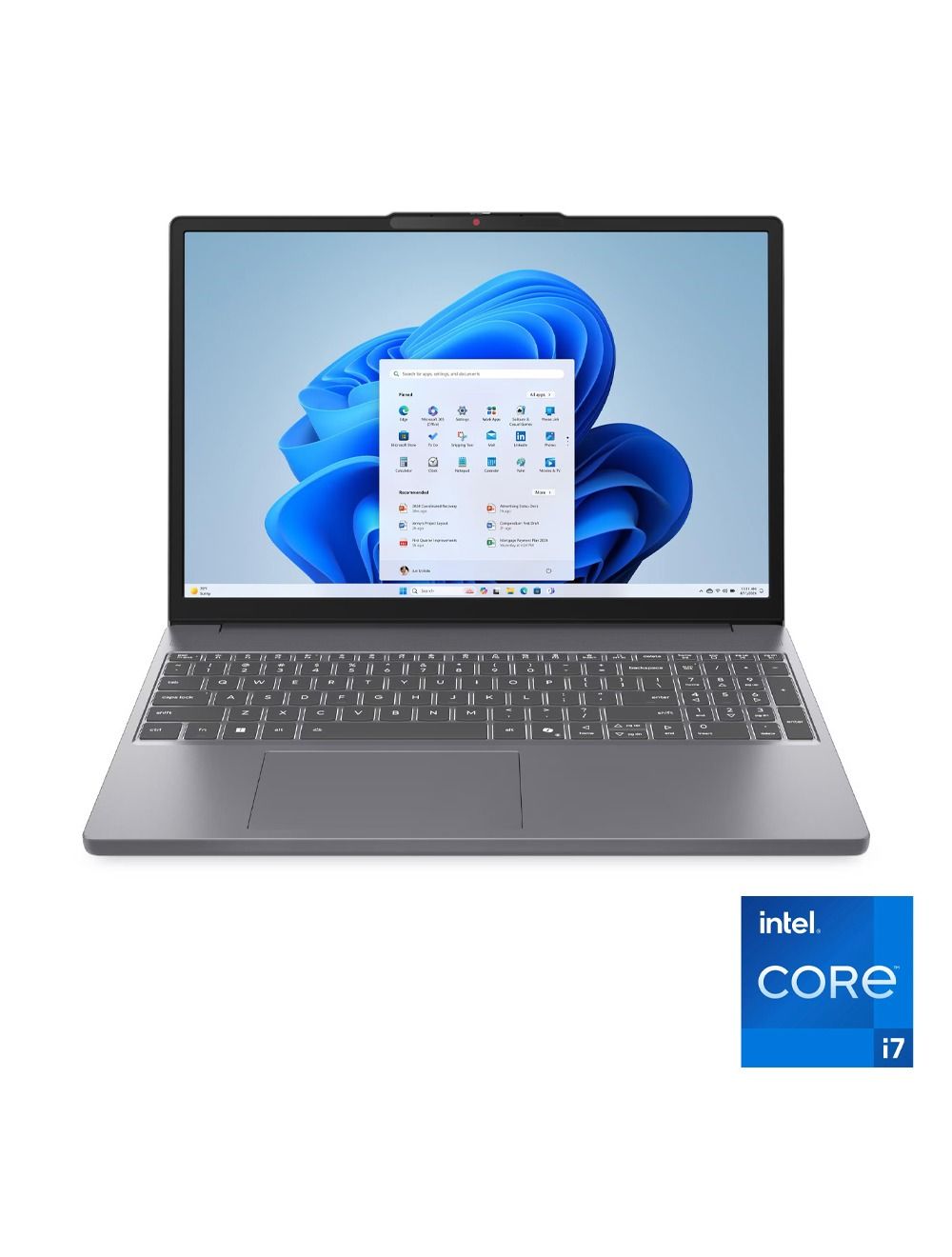 The Lenovo IdeaPad Slim 3 15IRH10 is one of the best options for students looking for a balanced device that combines strong performance with a reasonable price.
The device features an Intel Core i7-13620H processor, 16GB RAM, and a 512GB SSD. These specifications are suitable for everyday studying, running Office applications, research, meetings, and multitasking.
Its 15.3-inch screen also provides comfortable space when working with documents and spreadsheets, making it suitable for students who use the device for extended hours.
The Lenovo IdeaPad Slim 3 15IRH10 is one of the best options for students looking for a balanced device that combines strong performance with a reasonable price.
The device features an Intel Core i7-13620H processor, 16GB RAM, and a 512GB SSD. These specifications are suitable for everyday studying, running Office applications, research, meetings, and multitasking.
Its 15.3-inch screen also provides comfortable space when working with documents and spreadsheets, making it suitable for students who use the device for extended hours.
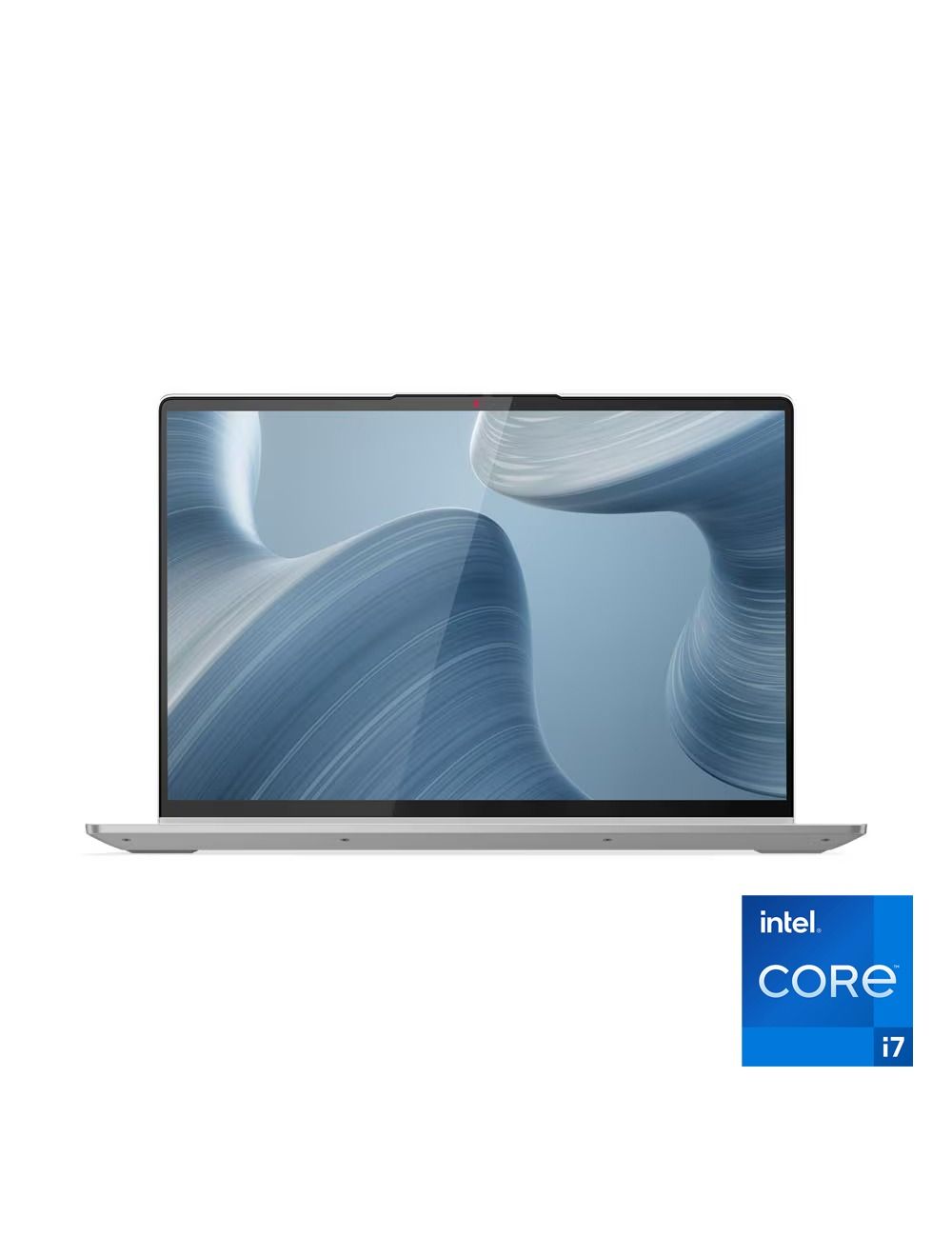 If you are looking for a device that provides more screen space and a more flexible user experience, the Lenovo IdeaPad Flex 5 16IAU7 is a suitable option for students who prefer larger screens.
The device features a 16-inch WUXGA touchscreen, providing more space for viewing lectures, PDF files, spreadsheets, and notes.
It also uses an Intel Core i7-1255U processor with 8GB RAM and a 512GB SSD, specifications suitable for studying and everyday use.
If you are looking for a device that provides more screen space and a more flexible user experience, the Lenovo IdeaPad Flex 5 16IAU7 is a suitable option for students who prefer larger screens.
The device features a 16-inch WUXGA touchscreen, providing more space for viewing lectures, PDF files, spreadsheets, and notes.
It also uses an Intel Core i7-1255U processor with 8GB RAM and a 512GB SSD, specifications suitable for studying and everyday use.
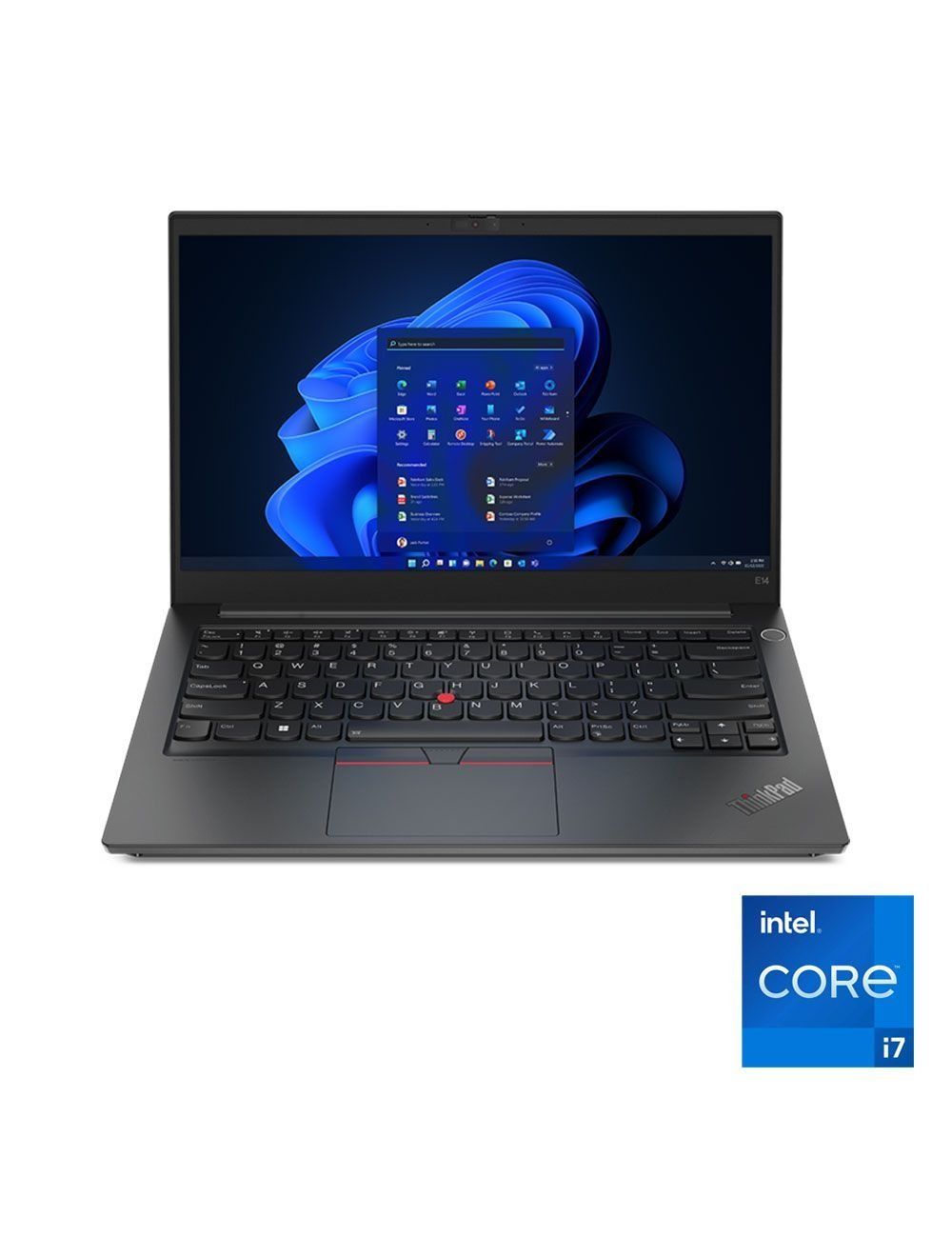 The Lenovo ThinkPad E14 is a suitable option for students who value reliability and build quality alongside everyday performance.
The ThinkPad series is known for its practical design suited to continuous use. This makes the device a good choice for students who spend extended hours writing research papers, attending online lectures, working with documents, and managing academic files.
The device features an Intel Core i7-1355U processor, 8GB RAM, and a 512GB SSD, along with a 14-inch FHD screen that provides a suitable size for portability and use on campus.
The Lenovo ThinkPad E14 is a suitable option for students who value reliability and build quality alongside everyday performance.
The ThinkPad series is known for its practical design suited to continuous use. This makes the device a good choice for students who spend extended hours writing research papers, attending online lectures, working with documents, and managing academic files.
The device features an Intel Core i7-1355U processor, 8GB RAM, and a 512GB SSD, along with a 14-inch FHD screen that provides a suitable size for portability and use on campus.
 The ASUS Vivobook 15 is a balanced option for students who need a practical device for studying, browsing the internet, attending lectures, and completing everyday tasks.
The device uses an AMD Ryzen 5 150 processor with 8GB RAM and a 512GB SSD, along with a 15.6-inch FHD screen that provides comfortable space when reading files and working with documents.
The ASUS Vivobook 15 is a balanced option for students who need a practical device for studying, browsing the internet, attending lectures, and completing everyday tasks.
The device uses an AMD Ryzen 5 150 processor with 8GB RAM and a 512GB SSD, along with a 15.6-inch FHD screen that provides comfortable space when reading files and working with documents.




Comments